Desktop extensions
Install from the Chrome Web Store, a CRX file or an unpacked folder.

Install from the Chrome Web Store, a CRX file or an unpacked folder.
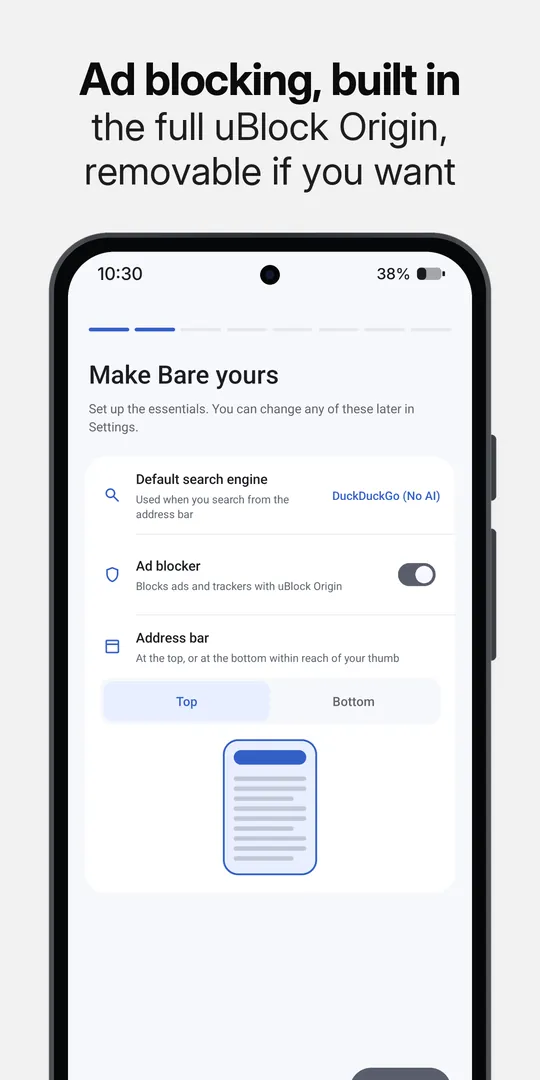
The full extension, ready to use. Turn it off or remove it whenever you want.
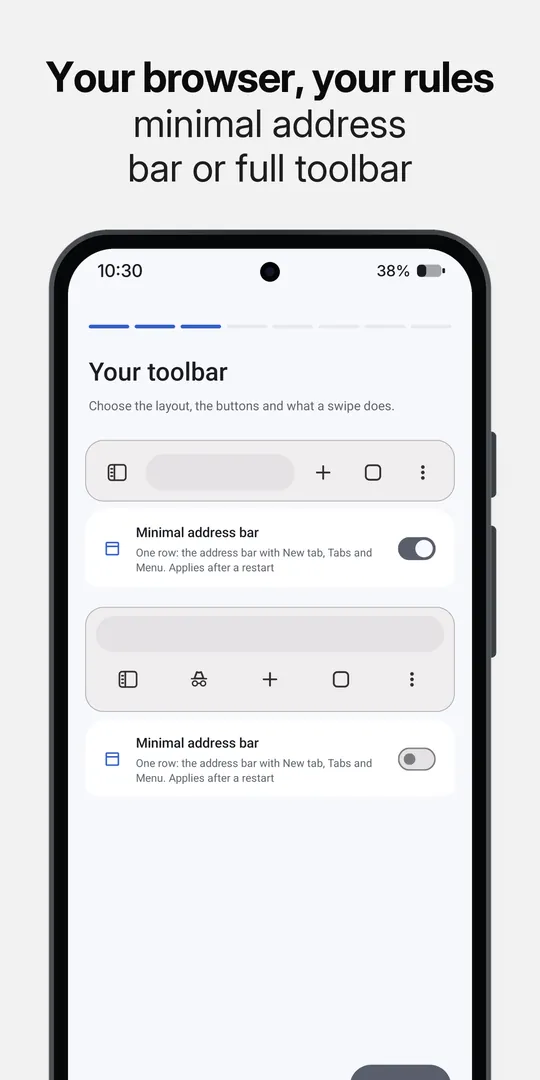
Arrange your buttons, move the address bar and swipe to switch tabs.
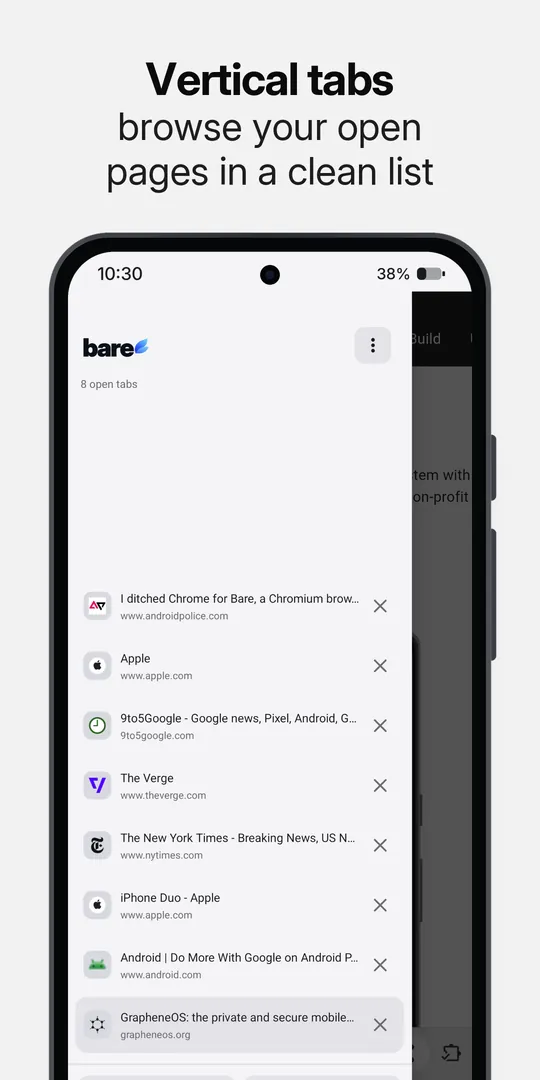
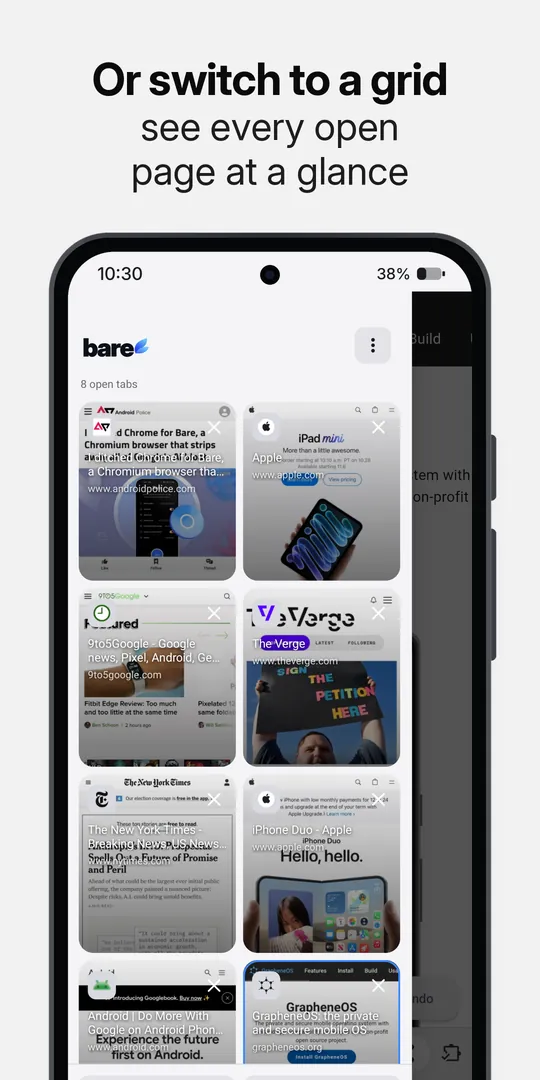
Your open pages, in a list or grid, within reach.
Keep supported videos playing with the screen off. Save media or use your own download manager.
Save an encrypted backup or transfer directly to another phone over Wi-Fi Direct. No cloud account.
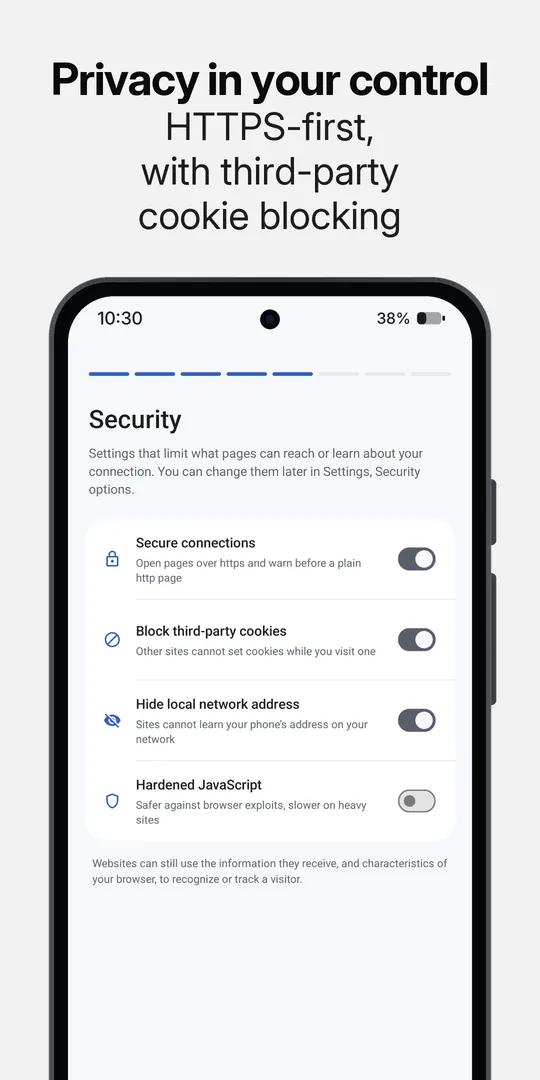
No telemetry, Google sign-in prompts or Firebase registration. The code is public for anyone to check.
Bare still checks for component updates and uBlock Origin filter lists. The GitHub build also checks for new releases. Safe Browsing isn’t included.
Android 10 or newer. Read the release notes on GitHub.
 Google Play
Updates through Google Play.
Install
 GitHub releases
APK for 64-bit and 32-bit ARM, with release notes
APK
 F-Droid
Planned. No date yet.
Planned